QuiltWall
Your digital design wall. Audition fabrics, arrange blocks,
and plan your next quilt — before you cut a single piece.
Your digital design wall. Audition fabrics, arrange blocks,
and plan your next quilt — before you cut a single piece.
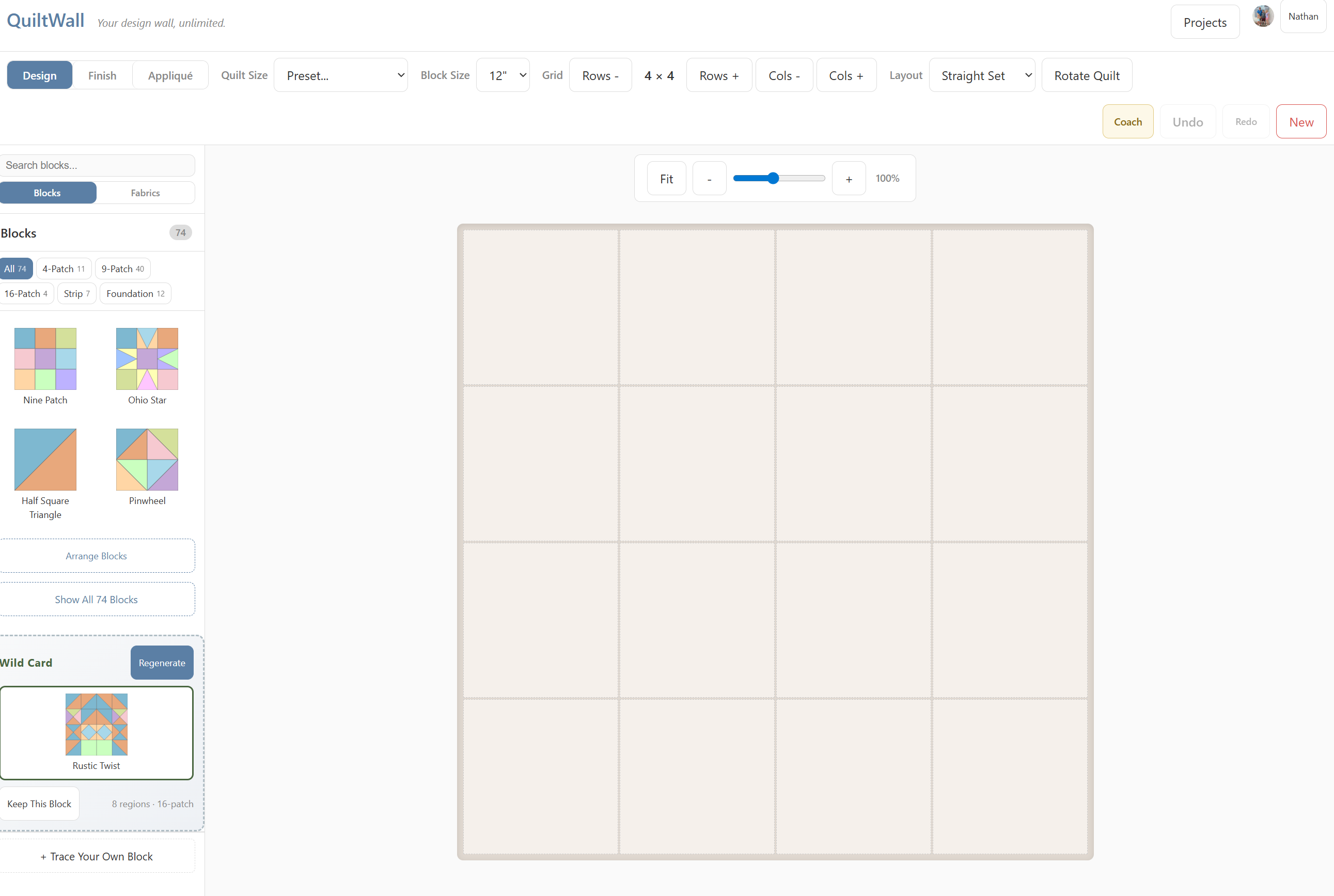
From first block to final stitch — every tool a quilter needs, thoughtfully organized by workflow.
Nine Patch, Ohio Star, Log Cabin, Double Wedding Ring, and hundreds more. Browse by category, search by name, or create your own.
Learn morePhotograph your fabric stash and see it on the design wall. Auto color detection, scrappy mode, and Google Photos import.
Learn morePick a target size (baby, throw, twin, queen, king) and the wizard auto-calculates block count, grid, and best block size.
Learn moreUpload any photo and convert it into a quilt mosaic. Color quantization maps pixels to fabric swatches on your grid.
Learn moreSave your design at any point, then compare versions side-by-side. Try risky changes knowing you can always go back.
Learn moreLayer hearts, stars, leaves, and custom shapes over your pieced design. Freely position, resize, rotate, and assign fabrics.
Learn moreA full workshop for custom blocks. Design your own with symmetry tools, trace from a photo or magazine page, or let AI pattern-match your photo to our 200+ library. Includes tiling preview and recolor tools.
Learn moreReal-time design tips analyzing color balance, value contrast, and fabric variety. Get personalized AI advice powered by Gemini — completely free.
Learn moreBrowse blocks and designs shared by other quilters. Publish your own custom blocks for the world to use. No account needed to browse.
Learn moreInvite a friend to design together. See each other's cursors, place blocks, and assign fabrics in real-time. Share a join link and start creating.
Learn moreInstant per-fabric yardage estimates including sashing, borders, backing, and binding. Toggle seam allowance. Never run short again.
Learn moreAuto-generated cut lists with shapes, sizes, and quantities per fabric. Print them and head to your cutting mat with confidence.
Learn moreStep-by-step sewing instructions generated from your exact layout. Handles sashing, cornerstones, borders, and all three layout modes.
Learn moreGenerate printable FPP templates with intelligent sewing order. Numbered sections, mirror image pages, and a fabric-aware color legend.
Learn morePNG export, full PDF with legend and yardage, direct browser printing, and a fabric shopping list for store trips.
Learn moreStuck for ideas? Generate random geometric block patterns with built-in symmetry. Keep the ones you love, discard the rest.
Take photos of your fabric stash and import them. QuiltWall auto-detects colors and names them for you.
Choose from 200+ classic block patterns or design your own. Place them on the wall and experiment with layouts.
Generate yardage, cutting instructions, assembly guides, and paper-piecing templates. Export and head to the sewing room.
“I used to pin fabric swatches to a flannel board. Now I can try 20 arrangements in the time it took to pin one.”— A quilter who switched to digital
Free to use. No sign-up required. Just you and your fabric.
Get Started in BrowsermacOS 12+ • Apple Silicon (M1/M2/M3/M4)
Windows 10/11 64-bit required
Love Quilting? You Might Love Cross-Stitch Too
From the same team that built QuiltWall. Design cross-stitch patterns on a grid with 450+ DMC thread colors, convert any photo into a stitchable pattern, and share designs with the community.
Have a question, found a bug, or want to request a feature? We read every message and reply as fast as we can.
support@humannpc.comBug reports, feature ideas, and quilting stories all welcome.